
Install the Lucky Hills App and Get 20 Free Spins in Canada
There is no download in the App Store or Google Play. The app is a web app that installs from your browser in under a minute, works on any phone, tablet or computer and gives you 20 free spins with no deposit for installing it.
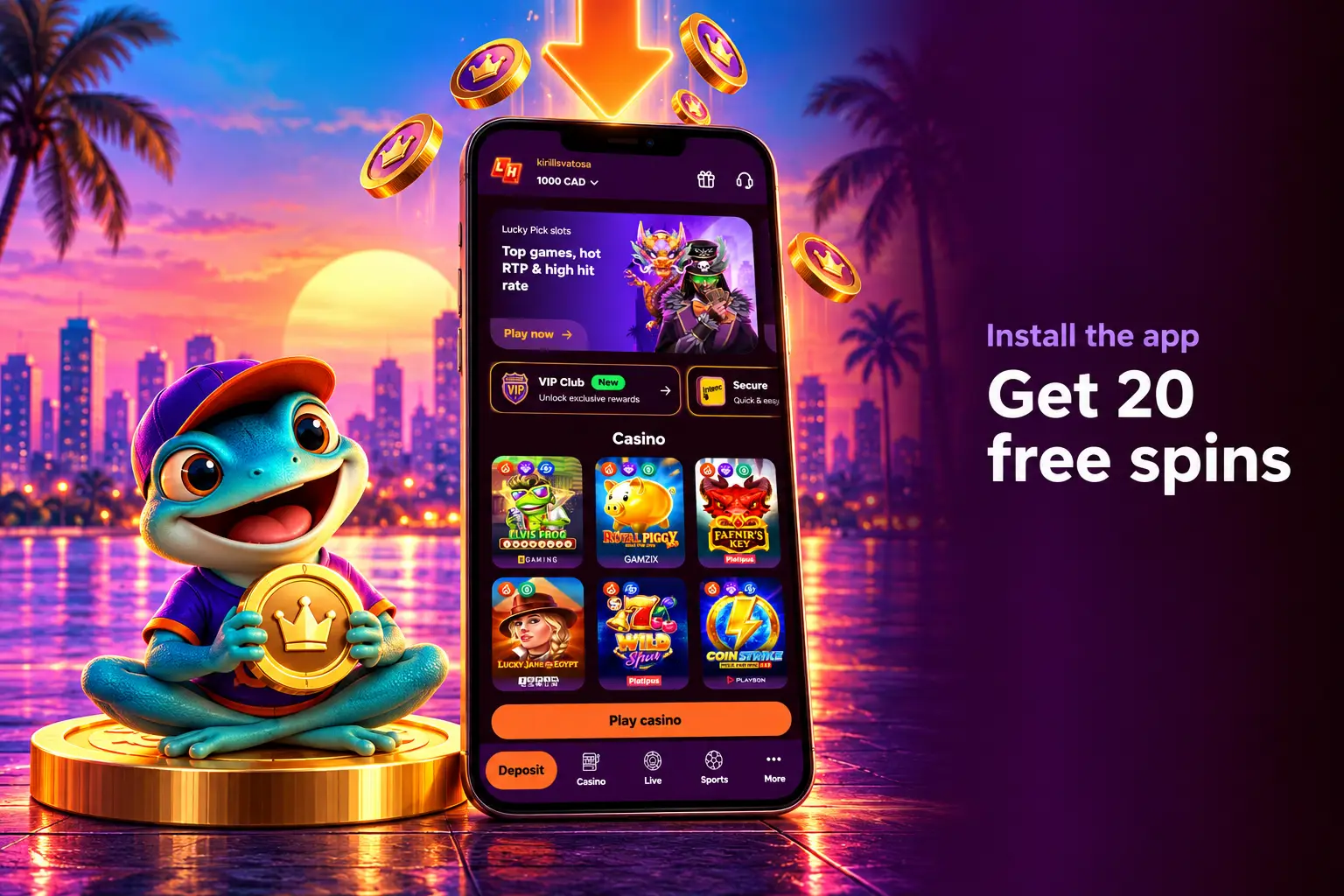
- Install bonus20 FS, no deposit
- PhonesiPhone and Android
- ComputersWindows and Mac
- App storeNot needed
- Spin winningsx40, max C$75
- AccountSame as on the site
19+ (18+ in Alberta, Manitoba and Quebec). 20 free spins once per player. T&Cs apply.
What the App Is
The casino app is a progressive web app: the website saved to your home screen as an app. It opens full screen, without the address bar, and keeps you logged in on that device.
Installs from the browser
No App Store or Google Play listing, no review wait, no download file.
Always current
It loads the latest version every time you open it online. Nothing to update by hand.
Almost no storage
It takes a fraction of the space of a normal app and works on older phones too.
Do not install APK files. The official app is added from your browser, not downloaded as an APK. A file offered on a forum, chat or download site that claims to be this casino can steal your login or carry malware.
How to Install
Open the casino through our link first, then follow the steps for your device. It takes under a minute.
iPhone and iPad, Safari
 Step 1
Open in Safari
Open the casino in Safari through our link.
 Step 2
Tap Share
Tap the Share icon, the box with an arrow.
 Step 3
Add to Home Screen
Scroll down and tap Add to Home Screen.
 Step 4
Tap Add
Keep the name or change it, then tap Add.
 Step 5
Open and log in
Open the new icon and log in.
Android, Chrome
 Step 1
Open in Chrome
Open the casino in Chrome through our link.
 Step 2
Open the menu
Tap the install prompt or the three-dot menu.
 Step 3
Install app
Choose Install app or Add to Home Screen.
 Step 4
Confirm
Tap Install or Add to confirm.
 Step 5
Open and log in
Open the new icon and log in.
Windows and Mac, Chrome or Edge
 Step 1
Open the casino
Open the casino in Chrome or Edge.
 Step 2
Click Install
Use Install app for PC on the home page or the icon in the address bar.
 Step 3
Confirm
Click Install in the prompt.
 Step 4
Launch
Open it from the desktop or taskbar shortcut and log in.
20 Free Spins for Installing
Install the app, open it while logged in, and 20 free spins are added to your account once. No deposit needed to claim them.
| Term | Value |
|---|---|
| Spins | 20 FS, once per player |
| Deposit to claim | None |
| Wagering on winnings | x40 |
| Max cashout | C$75 |
| Max bet while wagering | C$7.50 |
| Slot and spin value | On the bonus card in Profile, Bonuses |
| To withdraw | Verified account and one deposit from your own card |
What C$75 means in practice
| Spins win | Bets needed at x40 | You can withdraw |
|---|---|---|
| C$5 | C$200 | C$5, but the minimum withdrawal is C$50 |
| C$30 | C$1,200 | Up to C$30, if your balance grows to C$50 or more |
| C$200 | C$8,000 | C$75, the rest is removed |
Treat the spins as a free trial of the casino, not as cash. All no deposit rewards are on the no deposit bonus page.
Install and Claim 20 FSWhat You Can Do in the App
The app is the full site, not a cut-down version. One account, one CAD balance.
| Feature | In the app |
|---|---|
| 7,000+ slots and table games | Yes |
| Live casino | Yes |
| Sportsbook and esports | Yes |
| Deposits and withdrawals | Yes, all cashier methods |
| Bonuses, quests and Lucky Store | Yes |
| Verification upload | Yes, with the phone camera or gallery |
| Live chat and safer play tools | Yes |
App vs Mobile Site vs Desktop
The games and account are the same everywhere. The app mainly adds convenience and the install bonus.
| Web app | Mobile browser | Desktop | |
|---|---|---|---|
| Opens from | Home screen icon | Browser tab | Browser or installed app |
| Full screen | Yes | No | Yes, if installed |
| 20 FS install bonus | Yes | No | Not stated by the casino |
| Updates | Automatic | Automatic | Automatic |
| Works offline | No | No | No |
| App store needed | No | No | No |
App Problems and Fixes
Most issues come from the browser, not the app.
No Add to Home Screen
Use Safari, update iOS and reload the page. On recent iOS versions some other browsers also show it in their share menu.
No Install option
Use Chrome rather than the phone’s default browser, wait a few seconds for the prompt or open the three-dot menu.
No install icon
Update Chrome or Edge, then use the browser menu or the Install app for PC button on the home page.
Cannot find it
iPhone: check other home screen pages and the App Library. Android: check the app drawer. PC: check the desktop and Start menu or Launchpad.
Spins not credited
Open the installed app while logged in, then check Profile, Bonuses. If the offer is not there, contact live chat.
Logged out
Clearing site data or a restart can end the session. Log in again or reset your password from the login screen.
Play Safely on Your Phone
A casino in your pocket is easy to open at any moment. Set limits before you start.
Limits and breaks
Deposit limits per day, week or month, a 24-hour cooling-off and self-exclusion through live chat.
Screen time
Set a daily limit for the app in Screen Time on iPhone or Digital Wellbeing on Android.
Do not save the password
Anyone with your phone could open the app. Log out on shared devices.
Free help in Canada: ConnexOntario 1-866-531-2600, Alberta 1-866-332-2322, Gambling Support BC 1-888-795-6111, Quebec Jeu: aide et référence 1-800-461-0140.
Mobile App FAQ
Is there an app in the App Store or Google Play?
No. The app is a web app that you add to your home screen from the browser.
How do I install it on iPhone?
Open the casino in Safari, tap Share, then Add to Home Screen, then Add.
How do I install it on Android?
Open the casino in Chrome, tap the install prompt or the three-dot menu, then Install app or Add to Home Screen.
Can I install it on a computer?
Yes. In Chrome or Edge, click Install app for PC on the home page or the install icon in the address bar.
How do I get the 20 free spins?
Install the app and open it while logged in. The spins are given once per player, with x40 wagering and a C$75 max cashout.
Is an APK file safe?
No. The official app is added from the browser, never downloaded as an APK. Do not install files that claim to be this casino.
Does the app work offline?
No. It needs an internet connection, like the website.
Do I need to update the app?
No. It loads the latest version each time you open it online.
Who Wrote This Guide

Daniel Mercer
Independent online casino expert, former casino dealer
Daniel grew up in Toronto and started dealing blackjack and roulette at a land-based casino in Ontario in 2008, later adding baccarat and other table games. Working the other side of the table showed him how much players lose simply by not knowing the rules and the house edge.
Since 2017 he has reviewed online casinos the way a player meets them: signing up, reading the bonus terms, depositing, contacting support and requesting withdrawals. His reviews list the limits and weak points next to the offers.
- Based inToronto, Ontario
- Casino floorSince 2008
- Online reviewsSince 2017
“I know how a casino works from behind the table. My job now is to show players what happens behind the screen.”
What was checked for this guide
- Web app install on iPhone, Android and desktop browsers
- App install bonus terms and no deposit rules
- Features in the app compared with the website